93
Tools
Cut, trim, key, grade, mix and render. 80 of them are the very commands the window sends.
Over MCP
 AgentCut
 is a video editor that AI agents can work in. Connect one or a whole crew: each takes a part of your timeline, and you choose whether its edits land directly or arrive as a draft to accept or reject.
For Windows. macOS to follow.
(02) What you can do
Many agents, one timeline
Connect as many agents as you like. Each one claims a range of the timeline, and no one else’s edit lands inside it, so a pacer, a mixer and a subtitler work on the same cut at the same time.
The Agents tab
Each agent has a card: the step it is on, the calls it made, and the range it holds. Pause it, stop it, take its range back, or answer when it asks.
Skills
A skill is a page of notes in plain markdown: your caption style, your pacing rules, the music you never use. Agents are offered every skill you have switched on when they connect, and read one before the work it covers.
(03) Inside the app
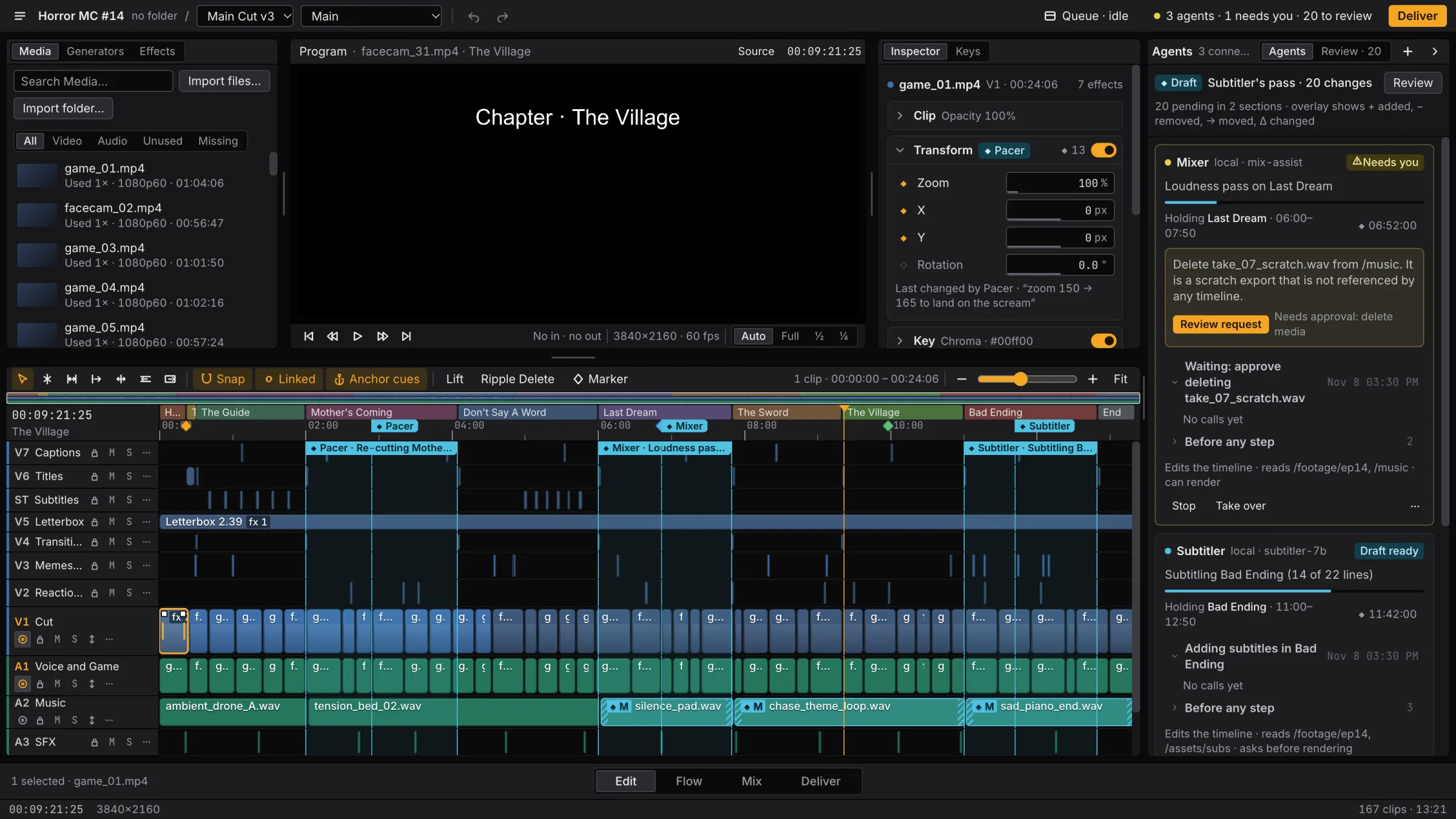
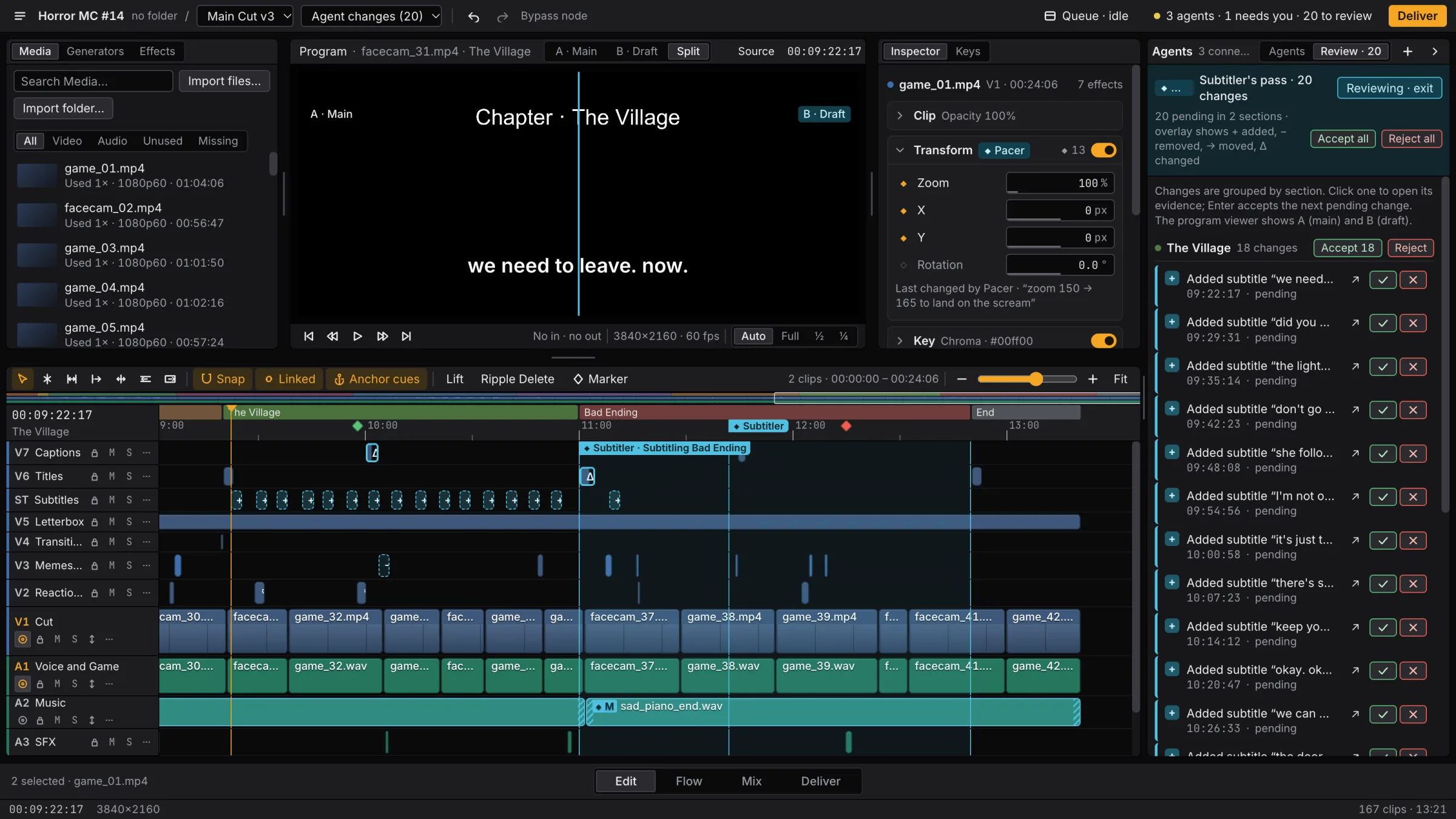
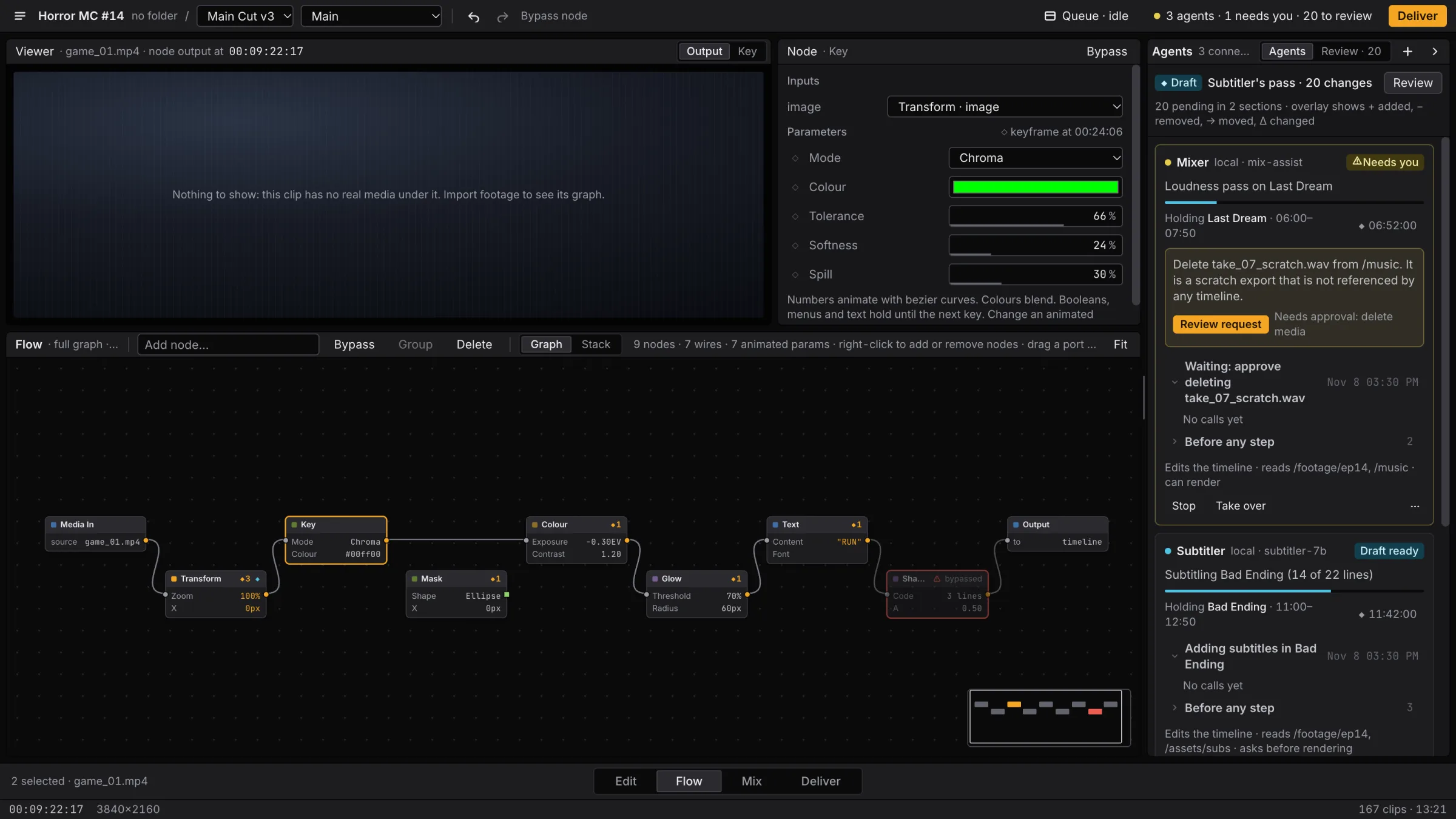
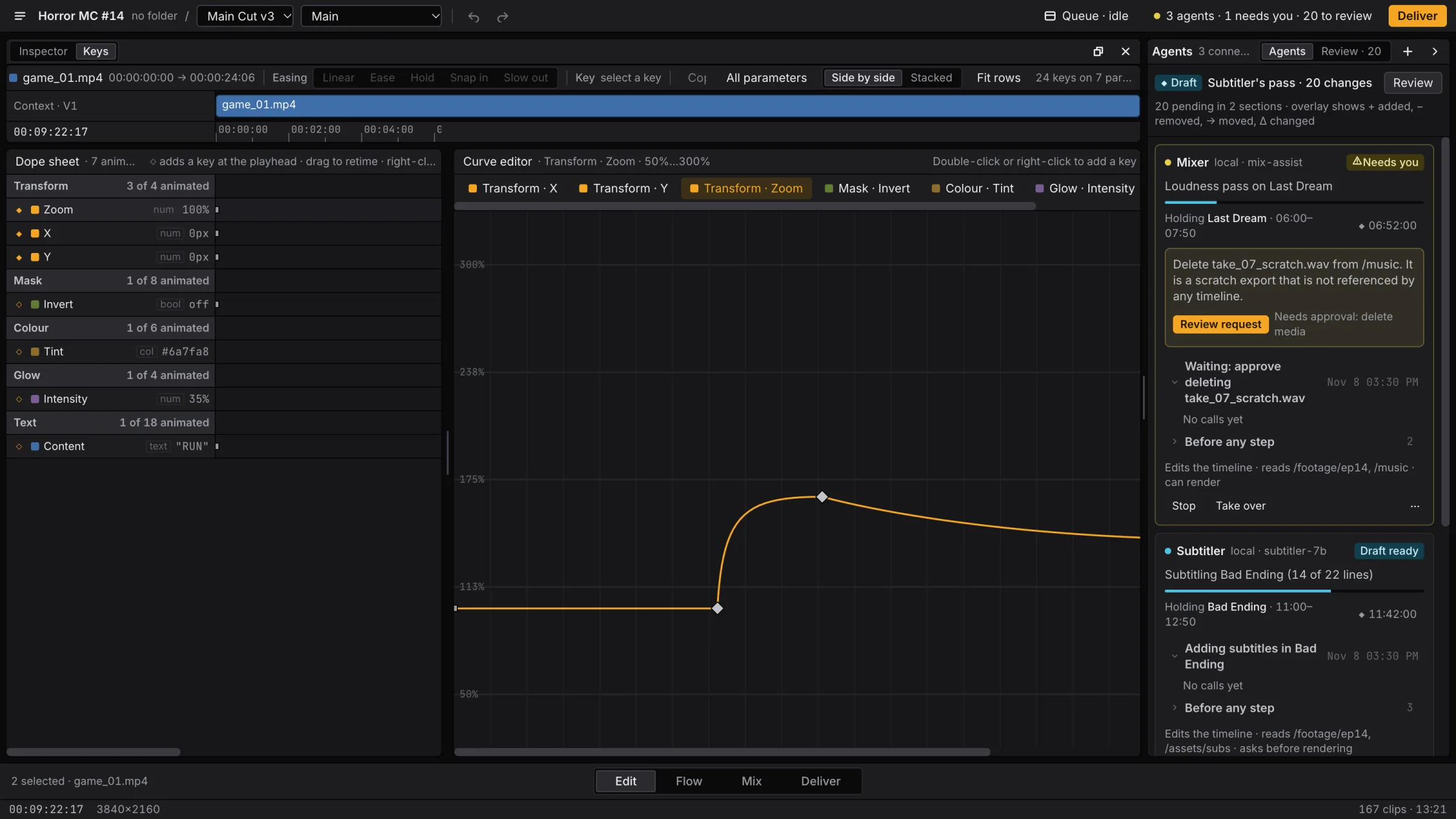
The timeline. Each agent holds one section, marked in cyan, while you keep cutting the rest.
Screenshots of the demo project that ships with the app. Its three agents are sample data. You connect your own.
(04) By the numbers
93
Cut, trim, key, grade, mix and render. 80 of them are the very commands the window sends.
Over MCP
34
Keying, colour, masks, glow, blur, text and your own shaders, wired per clip. An agent builds the same graphs you do.
Flow
5
A frame, a contact sheet, a layer view, an audio report and a rule check, so an agent can look at its own work.
Checks
(05) What an agent can call
and 42 more, for clips, tracks, markers, presets, media and the project
(06) Waitlist